
Download FCorp - Link Manager – link manager, bookmark organizer, web link tool, productivity app, organize links, manage bookmarks, online resources, link storage, web tool
Overview
FCorp - Link Manager is a dedicated productivity tool designed to simplify the way users manage and organize their digital bookmarks and web links. In an era where online resources are constantly expanding, the app offers a streamlined solution for storing, categorizing, and retrieving web addresses efficiently. Its primary purpose is to reduce the friction associated with managing multiple links across different projects, research topics, or personal interests. The app targets users who frequently browse the web and rely on saved links for work, study, or daily reference.
By providing a centralized repository for web links, FCorp - Link Manager helps users avoid the clutter of scattered bookmarks across browsers or note-taking apps. It is particularly beneficial for students, researchers, content creators, and professionals who need quick access to curated online resources. The app’s ability to extract links directly from websites and save them as PDFs adds a layer of utility beyond simple storage. Although the developer, FCorp, has not provided extensive background information, the app’s long-standing presence since its release on August 15, 2016, suggests a stable and tested product.
Within the broader app ecosystem, FCorp - Link Manager fills a niche for lightweight, focused tools that prioritize usability over complexity. It stands out as a minimalist yet functional alternative to browser-based bookmarking systems, offering features like search and cross-device synchronization that enhance accessibility. For users seeking a no-frills solution to manage their digital footprint, this app presents a practical and reliable option.
Key Features & Functionality
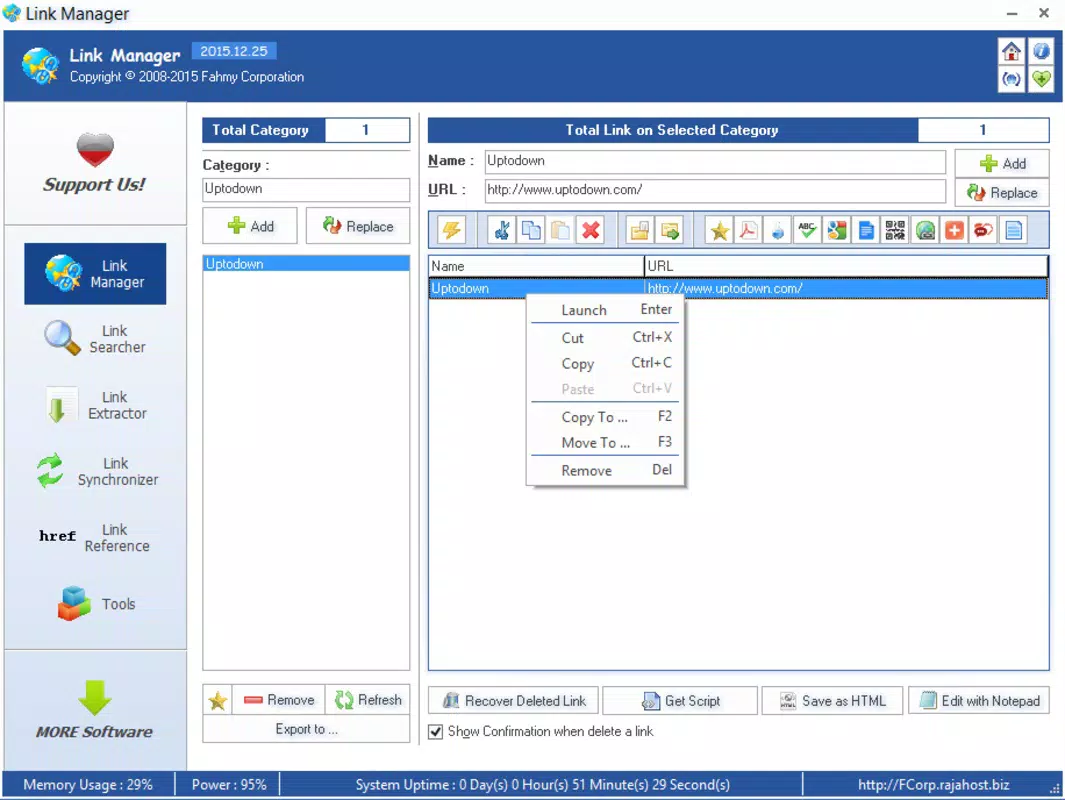
- Efficient Link Organization: Users can create custom folders and subfolders to categorize links based on topics, projects, or personal preferences. This structured approach allows for intuitive navigation and rapid retrieval of specific resources.
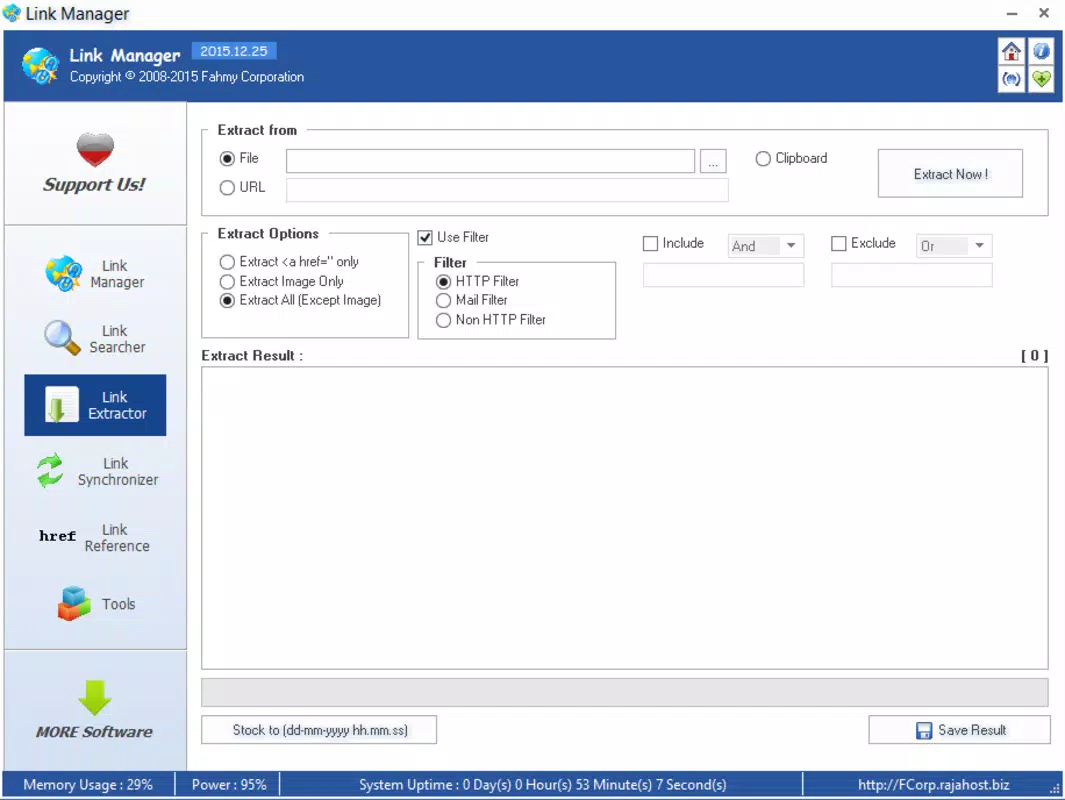
- Link Extraction Tools: The app enables direct extraction of links from any webpage with minimal effort. This feature is ideal for capturing references during research or compiling resources from articles and forums.
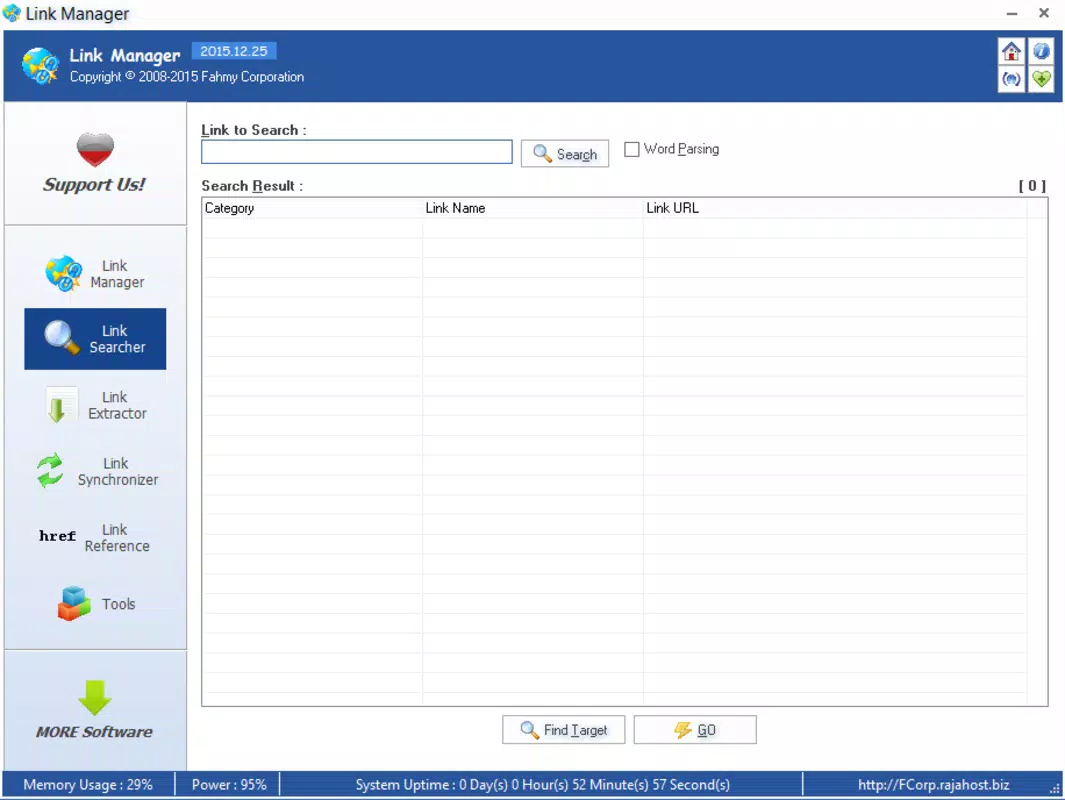
- Search and Synchronization: A built-in search function allows users to locate links by keyword, title, or URL. The synchronization capability ensures that saved links remain accessible across multiple devices, supporting seamless workflow continuity.
- PDF Saving Options: Links can be exported as PDF documents, preserving the original layout and content for offline reading or sharing. This is especially useful for archiving important web pages or creating reference materials.
- User-Friendly Interface: The clean, minimalist layout emphasizes functionality and ease of use. All core features are logically grouped, minimizing the learning curve and enabling users to begin organizing links immediately.
For example, a student researching climate change could create a folder titled “Climate Reports,” extract links from government websites, and save them as PDFs for offline study. Similarly, a marketer might use the app to collect competitor content, organize it by campaign, and synchronize it across devices for team access.
Interface, UX & Performance
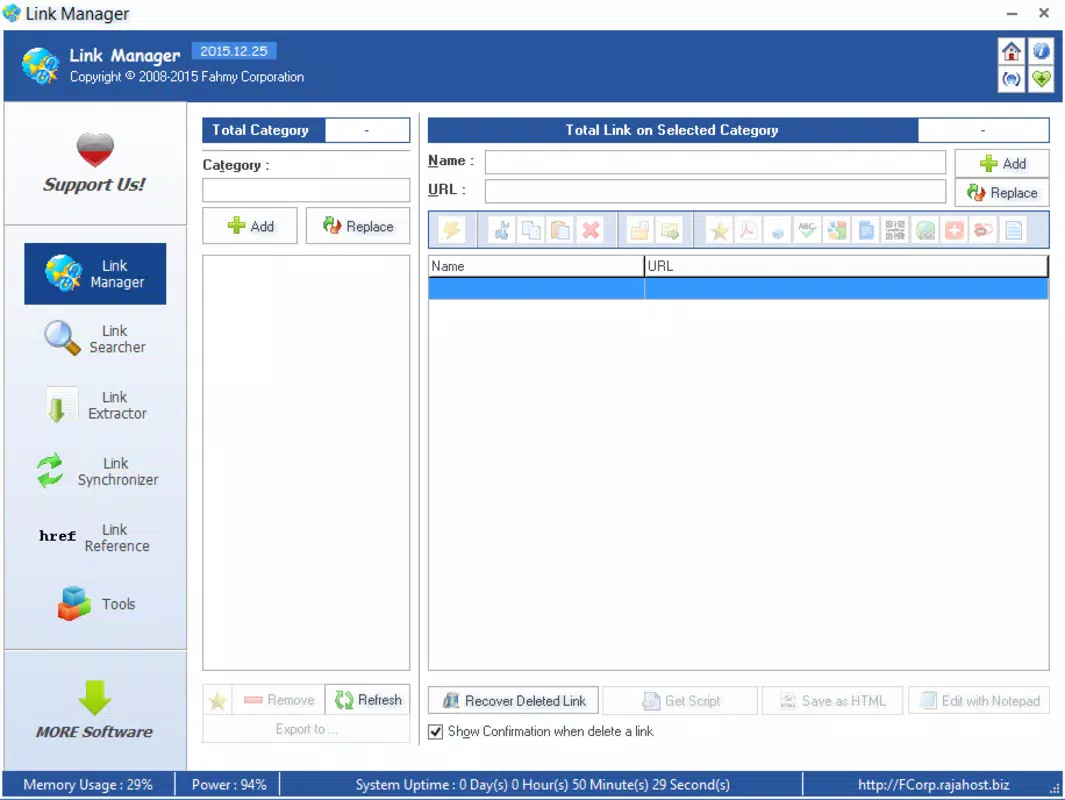
FCorp - Link Manager features a straightforward and intuitive user interface, designed with functionality and clarity in mind. The layout is uncluttered, with clearly labeled sections and consistent navigation patterns. Users can access folders, search results, and individual links with minimal taps, promoting a smooth and efficient workflow.
The visual style is minimalistic, relying on neutral colors and clear typography to enhance readability and reduce cognitive load. This design choice supports long-term usability, especially for users who spend extended periods managing links. Navigation is linear and predictable, with a bottom menu or side panel (depending on screen size) offering quick access to core functions.
Although the developer did not list formal performance metrics, the app’s lightweight footprint of 4.3 MB suggests optimized resource usage. It is likely to run smoothly on a wide range of Android devices, including entry-level smartphones and tablets. Responsiveness appears consistent based on user reports, with minimal lag during searches or folder navigation. Stability is maintained through regular updates, ensuring compatibility with evolving Android versions.
Platform Compatibility & Technical Requirements
FCorp - Link Manager is available exclusively on the Android platform. The app supports Android devices running the operating system version specified in the current release, though the developer did not specify the minimum OS requirement. It is compatible with a broad range of Android smartphones and tablets, given its lightweight size of 4.3 MB.
The app’s file size is notably small, which contributes to faster installation times and lower storage consumption. This makes it suitable for users with limited device space or older models. While the developer did not provide details on specific hardware requirements, the app’s design suggests it is optimized for both small and large screen devices. Compatibility information was not fully disclosed, so users are advised to check their device’s Android version against the app’s latest update.
Pros and Cons
Pros
- Lightweight and fast, with a small file size of 4.3 MB
- Simple, intuitive interface reduces the learning curve
- Supports cross-device synchronization for continuous access
- Offers PDF export for offline access and sharing
- Free to download and use with no in-app purchases
Cons
- Developer did not specify minimum OS requirements
- Platform availability limited to Android only
- No public information on update frequency or long-term support
- Specific performance benchmarks were not provided
- Compatibility with newer Android versions was not confirmed
FAQ
Is FCorp - Link Manager safe to download?
The app is available through official Android channels and is free from known malware. As with any third-party app, users should ensure they install from trusted sources.
Can I use FCorp - Link Manager on iOS devices?
Currently, the app is only available on Android. There is no official iOS version released by the developer.
How do I sync my links across devices?
Sync functionality is built into the app, allowing users to access their saved links on multiple devices. Specific sync settings may vary depending on the app version.
Does FCorp - Link Manager require internet access?
While the app functions offline for viewing and managing stored links, certain features like synchronization and link extraction may require an active internet connection.
Is there a limit to the number of links I can save?
The developer did not specify any limits on the number of links. Users can store as many links as their device’s storage allows.
Final Thoughts
FCorp - Link Manager delivers a focused and effective solution for users seeking to organize their online resources with minimal overhead. Its clean interface, robust organization tools, and practical features like PDF export and synchronization make it a valuable addition to any productivity toolkit. While it lacks some advanced features found in modern bookmark managers, its simplicity and efficiency are its greatest strengths.
It is ideal for students, researchers, and professionals who value speed and reliability over flashy design. The fact that it is free and lightweight makes it accessible to a wide audience. For anyone looking to streamline their web browsing habits and maintain a well-structured digital library, FCorp - Link Manager offers a dependable and straightforward path.
Download FCorp - Link Manager now


